
Lumber Tycoon HubLUMBERTYCOON HUB⌕
EN
EnglishEspañolPortuguês (Brasil)Deutsch
Lumber Tycoon Hub / Lumber Tycoon 2 Wood Sale Calculator

Tools

Lumber Tycoon 2 Wood Sale Calculator

Estimate a sale scenario from measured dimensions, identical-piece quantity, a stated selling rate, and optional trip costs.

Editorial update: Oct 8, 2026

Catalog rates are not validated for cubic studs. Enter a rate or deliberately use a reported reference below. Results use your assumption, not a verified game price.

Dimensions: up to 10000 per side; whole pieces: up to 1000000. Do not use thousands separators. To specify three decimal places unambiguously, add a trailing zero (1.2340).

Community wiki reference, reviewed from search-index text on 8 October 2026 (crawl reported about three months earlier); not tested in game. The Unit article describes a Tiny Floor cube as one cubic stud. Confirm with a small sale before relying on it. View guide ↗

HAUL SCENARIO

Vehicle Haul & Cargo Planner

Compare a transport scenario using your cargo volume, capacity per trip, selling rate, and travel costs.

Vehicle names identify your setup only. Enter your own capacity estimate; this tool has no verified vehicle capacities or purchase prices.

Cargo volume and capacity must use the same volume unit, not a count of boards with different sizes. Match your rate to that unit. For cubic studs, volume is length × width × height. No thousands separators; use 1.2340 for an unambiguous three-place decimal.

Reported wood rates come from the shared community catalog. Their current game units and conversion are unverified. Adopting a value for your selected unit is a scenario assumption, not a promised payout.

Enter your assumptions and calculate to see a loading plan. Check actual access and loading conditions in the game before departing. Editorial policy and evidence limits

ORIGINAL DIAGRAM

Wood Processing Overview
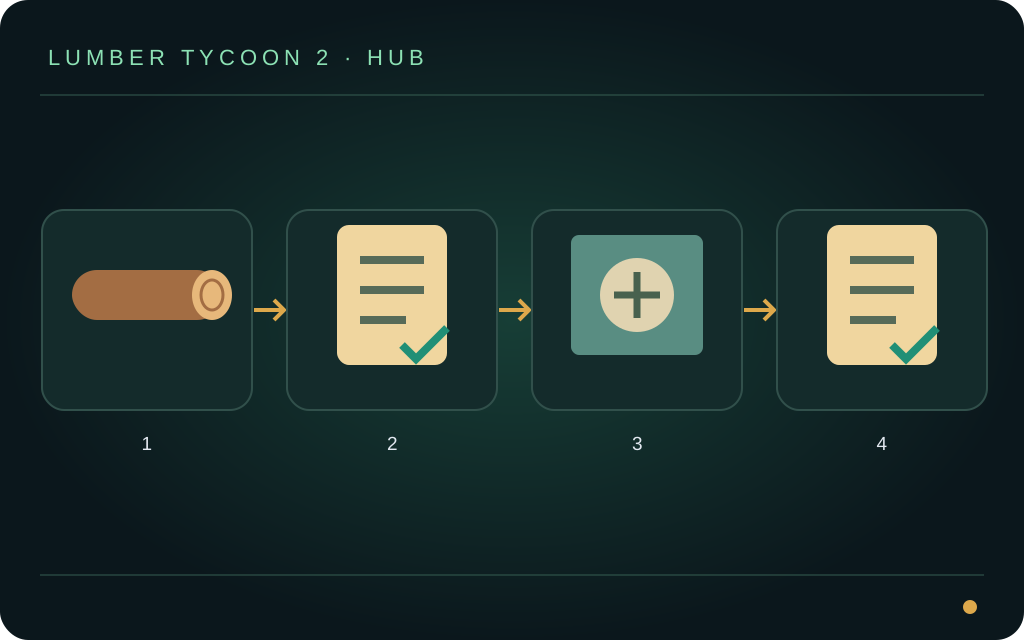
Original illustration for orientation. It is not a game screenshot, measured map or test record. Read the accompanying guide for reported facts, sources and limitations.

Measure the wood you intend to sell

Choose the wood and its raw or processed state. Enter length, width, and height in the supported game unit, plus the number of pieces with those same dimensions. Calculate differently sized pieces separately.

Studs are game units, not metres. A game selling rate must match the calculator’s volume unit. If that relationship is unverified, use an explicitly assumed rate only for a scenario calculation, not as a verified payout.

How the estimate works

Volume is length × width × height. Estimated gross sale is volume × number of identical pieces × the applicable unit rate. Estimated trip net is gross sale minus your entered travel costs.

Net income per minute divides that trip net by the full trip time you enter. Include travel, cutting, loading, processing, and selling. This measure excludes equipment purchases unless you account for them separately.

Check before relying on the result

A missing rate is unknown, not zero. Dimensions, quantity, and trip time must be valid positive values; costs cannot be negative. Use the decimal separator shown by the current language and avoid ambiguous thousands separators.

Compare the estimate with a small actual sale. Processing may change dimensions, and a rectangular-volume estimate may not capture every detail of an irregular piece or the game’s payout rules.

Keep exploring